Chrome extension
The Papiers extension lets you save what you’re already reading in Chrome, and highlight articles without leaving the page. Everything syncs back to your Papiers library.
Install the extension
Install Papiers from the Chrome Web Store.
Click the Papiers icon in your toolbar, or press ⌘⇧K, to open the palette over any page.
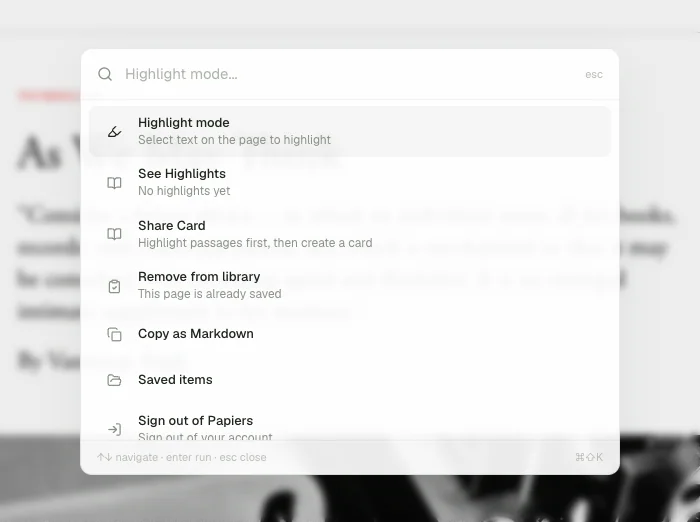
Save from the browser
Open the palette and choose Save to library.
Papiers saves the page you’re looking at, including pages that require a login or subscription. You can save PDFs open in the browser too.
Highlight articles
On a saved web page, open the palette and turn on Highlight mode.
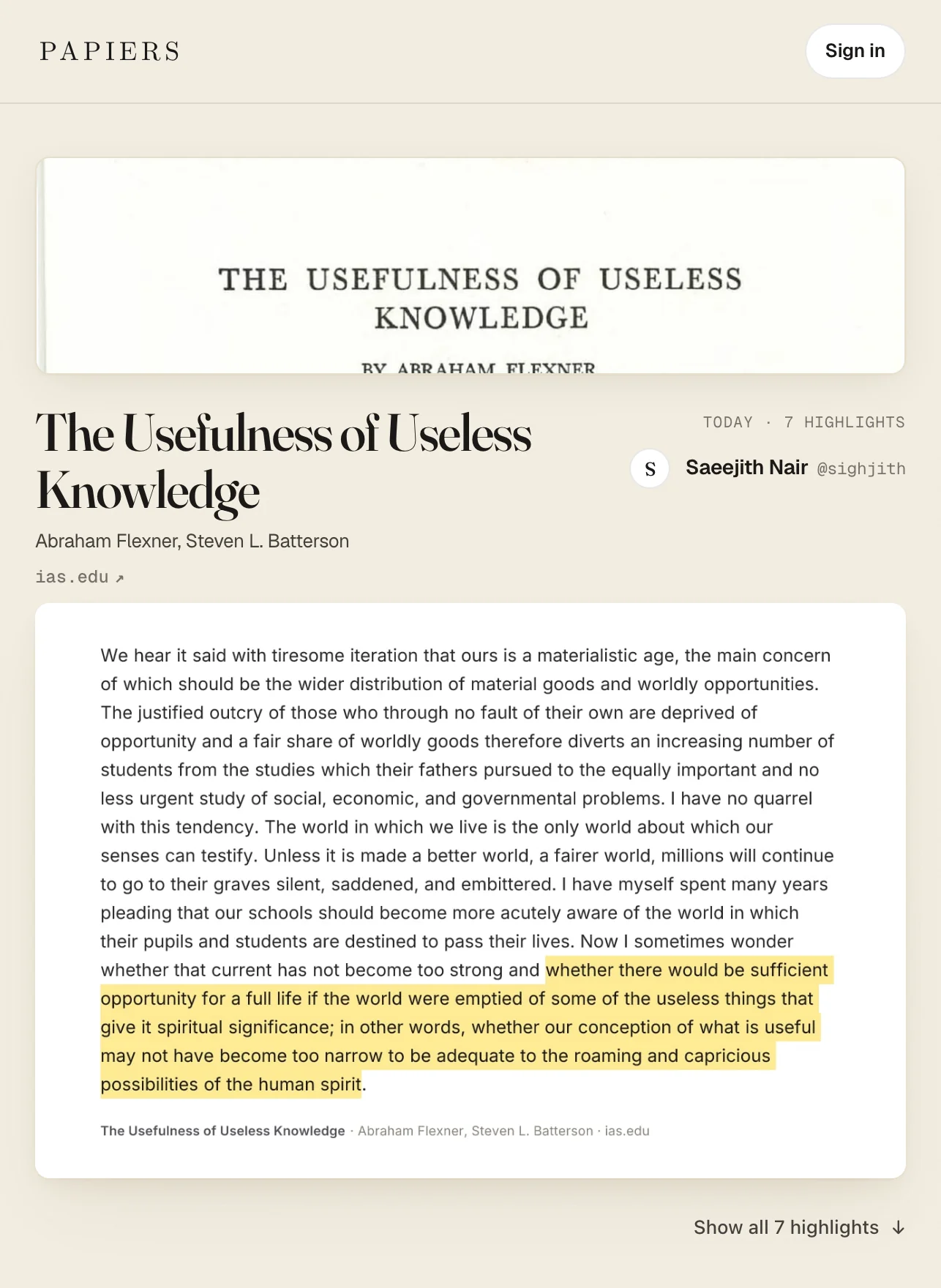
Select a passage and it is added to your Papiers highlights immediately. Your highlights stay in sync between Chrome and the desktop app.
PDFs can be saved with the extension, but highlighting PDFs happens in the Papiers desktop app.
See your highlights
Choose See Highlights to open the side panel beside the page.
The panel shows your highlights from the article while you keep reading.
Create a share card
Choose Share Card to turn your highlights from the page into a card you can share.
Add more highlights later and choose Update Card to bring them in.
See Share cards.
The palette
Press ⌘⇧K whenever you want to open Papiers without leaving the page.
From the palette you can save the page, highlight articles, see your highlights, create or update a share card, and open your library.