Share what you read
A Share Card collects the parts of something you found interesting.
Highlight passages as you read, add annotations when you have something to say, then turn them into a page you can keep or share.
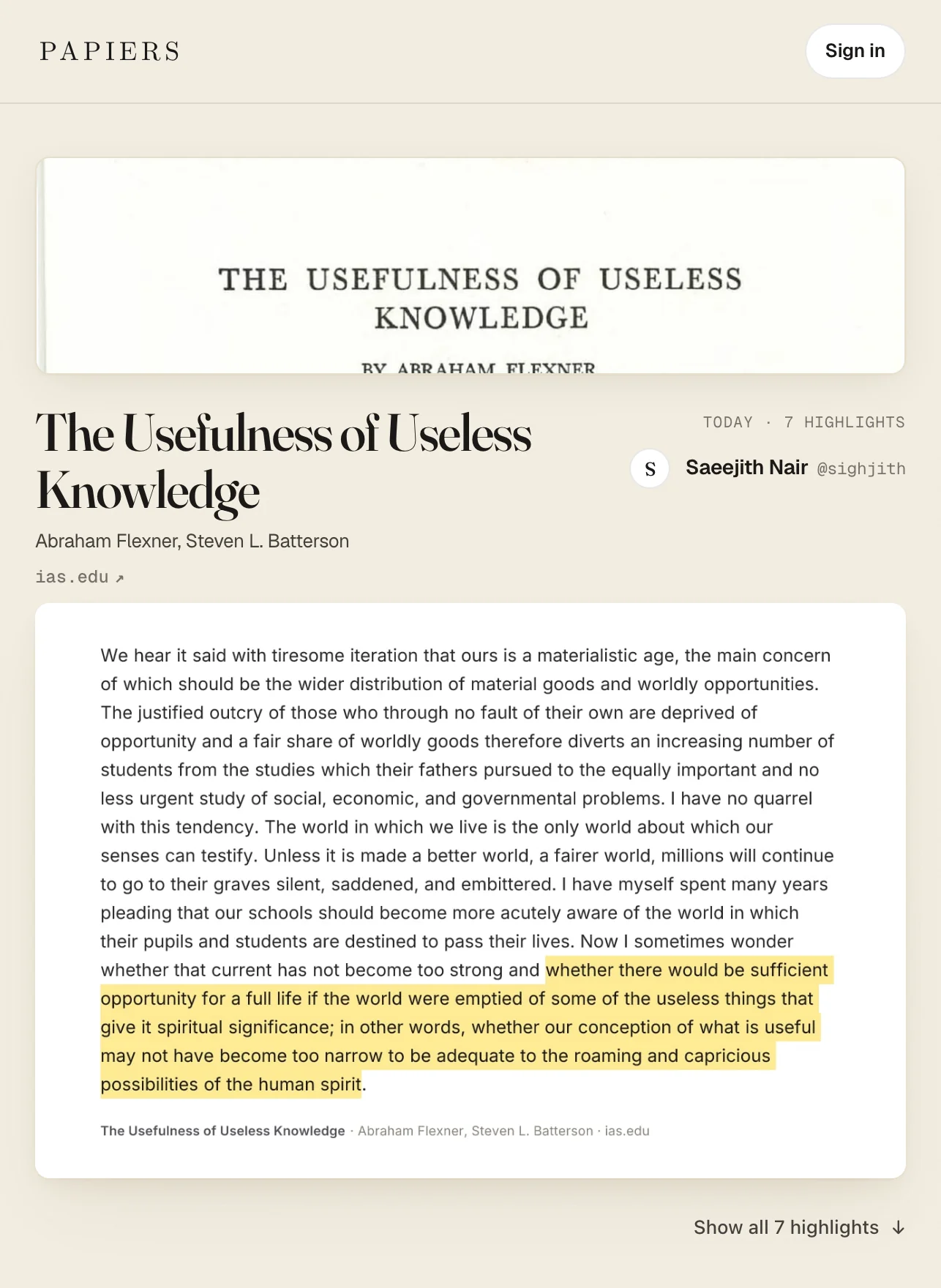
Create a Share Card
Click Share Card after you’ve highlighted a document.
Papiers turns each highlight into a frame with some of the surrounding text, so you can see the passage in context. Annotations appear beside the passages they belong to.
That context is especially useful later: it helps you remember what was happening around the highlight and why it stood out.
Share Cards don’t update automatically. If you add, edit, or remove a highlight or annotation, click Update Card to publish the changes. The link stays the same.
Choose who can see it
Share Cards can be:
- Only You — private, only you
- Unlisted — anyone with the link
- Public — anyone, and visible on your profile
Private cards are useful as a compact view of what you took away from something you read.
For web articles, the original source is linked from the card.
When to use one
Send a Share Card when a link alone doesn’t explain why you think something is worth reading.
If a paper has three results you want a colleague to see, share those passages. If a blog post made one argument you keep thinking about, share that argument with your annotation beside it.
You can also keep cards private. Come back to a book or paper years later and see your highlights together, with enough surrounding context to jog your memory, without scrolling back through the entire document.
Your profile
Public Share Cards appear on your profile.
They collect the papers, articles, books, and posts you’ve shared, together with the passages you highlighted and any annotations you added.
Unlisted cards stay off your profile. Private cards remain visible only to you.